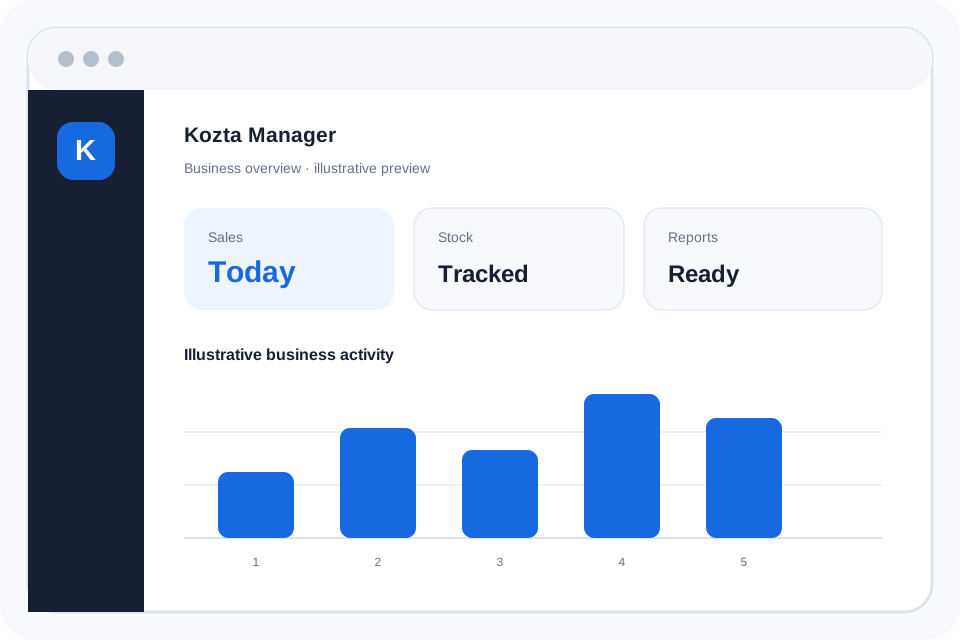
Kozta Manager in 2 minutes
A concise introduction to the main Kozta Manager workflow. The production video will appear here when the final recording and captions are ready.
▶Getting Started
Video coming soonA short orientation for Owners setting up a business and preparing the first sale.
- Create an account or sign in, and complete any required Owner verification.
- Set up the business profile and check the correct business and branch.
- Add products, then configure staff roles and shift access as needed.
- Review the New Sales workflow before recording a real transaction.
Adding Products
Video coming soonPrepare accurate product details before selling or tracking stock.
- Open the product-management area using an authorized role.
- Enter the product name, pricing and stock details required by the form.
- Use an existing barcode where applicable; follow the available code workflow if needed.
- Save and check the product details and quantities before the first sale.
First Sale
Video coming soonA practical checklist for recording a sale with the right permissions.
- Sign in with the correct role and start a shift when your workflow requires one.
- Open New Sales, select or scan items, and confirm each quantity.
- Check the total and select the payment method shown in the app.
- Complete the sale only once and check the resulting receipt or record.
Starting / Ending Shift
Video coming soonKeep cash handling and sales associated with the correct shift.
- Open the shift controls available to your assigned role.
- When starting, confirm the register and opening cash float.
- At the end, compare the closing cash count with recorded activity.
- Record discrepancies where supported, then end the shift.
Managing Staff
Video coming soonAssign access by role rather than sharing personal login details.
- Have the Owner create or review the business team.
- Assign Owner, Manager or Cashier permissions to each person.
- Remember that Managers cannot alter purchase or selling prices.
- Review PIN access and permissions when a team member changes duties.
Returns & Refunds
Video coming soonUse the recorded sale and authorized return workflow for corrections.
- Find the original sale and confirm the item and quantity being returned.
- Check that the active role is permitted to process the return.
- Review refund amounts and any stock adjustment before confirmation.
- Verify the resulting return record and updated totals.
Understanding Reports
Video coming soonRead sales and stock information without confusing revenue with available capital.
- Open the reports available to your business role.
- Choose the relevant date range and confirm the business or branch.
- Review sales, returns and expenses in their separate categories.
- Reconcile report figures with cash shifts and capital movements.
Real tutorial videos will be published only when production content is ready. Meaningful videos will include captions or transcripts.